
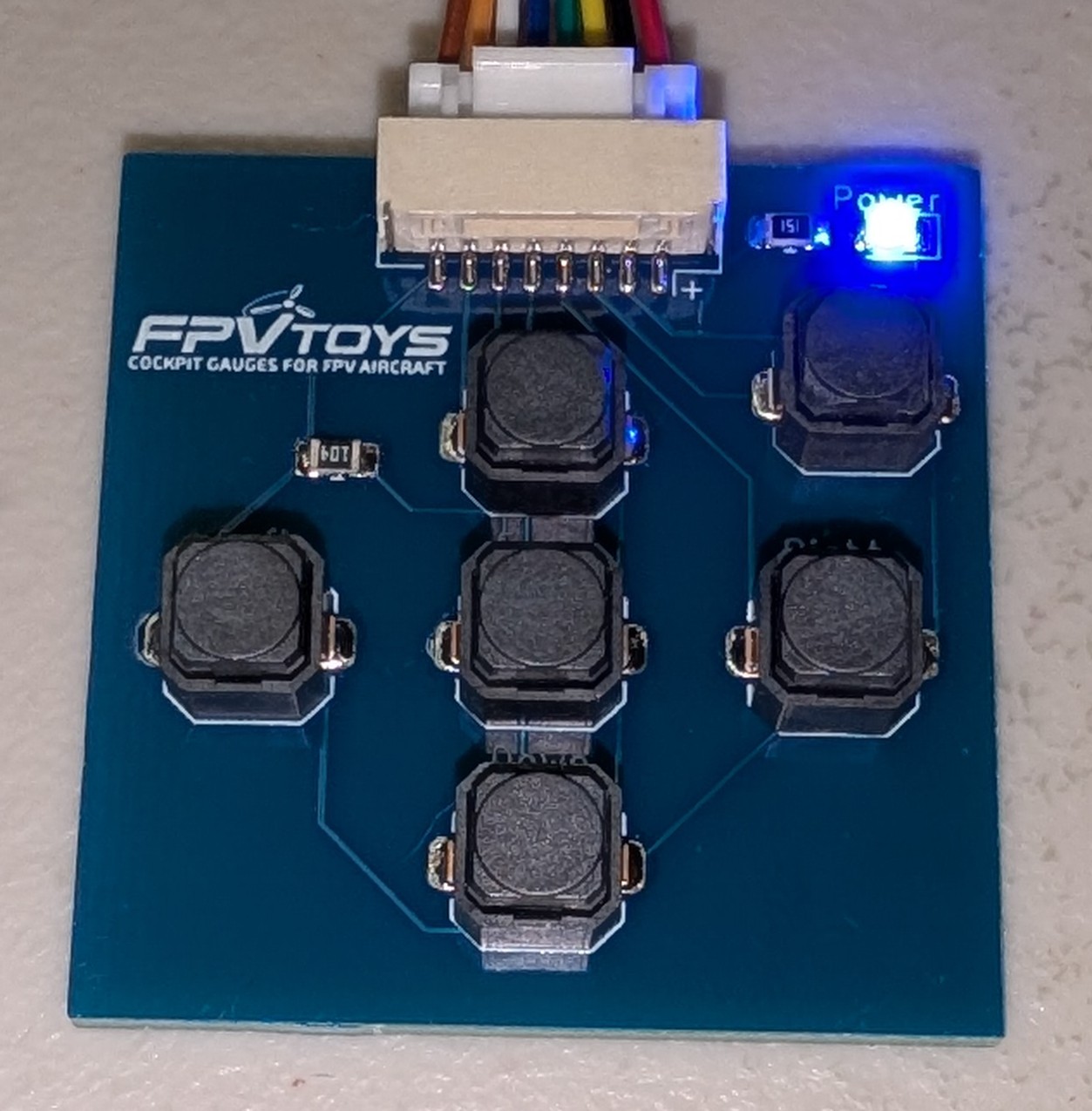
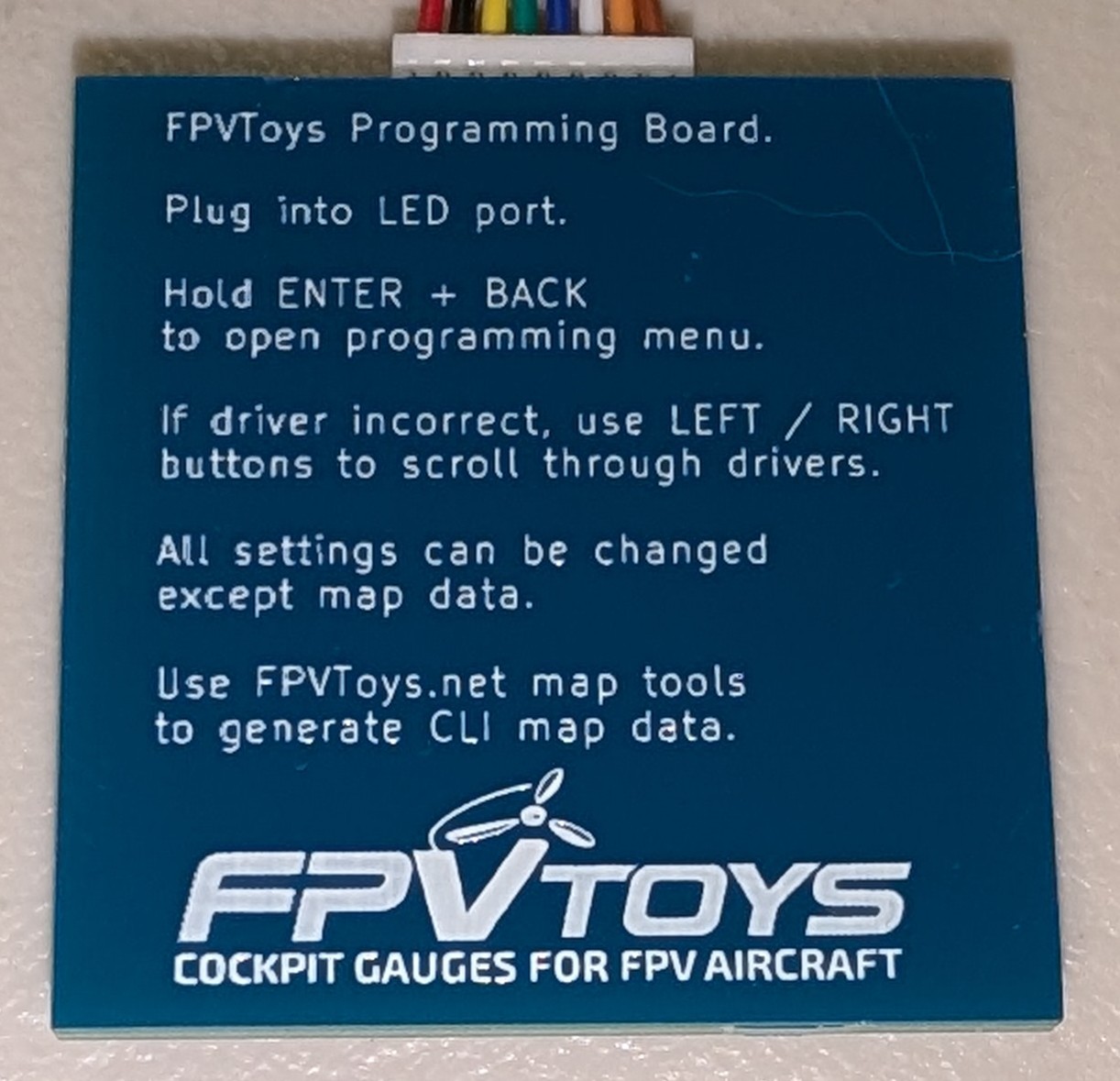
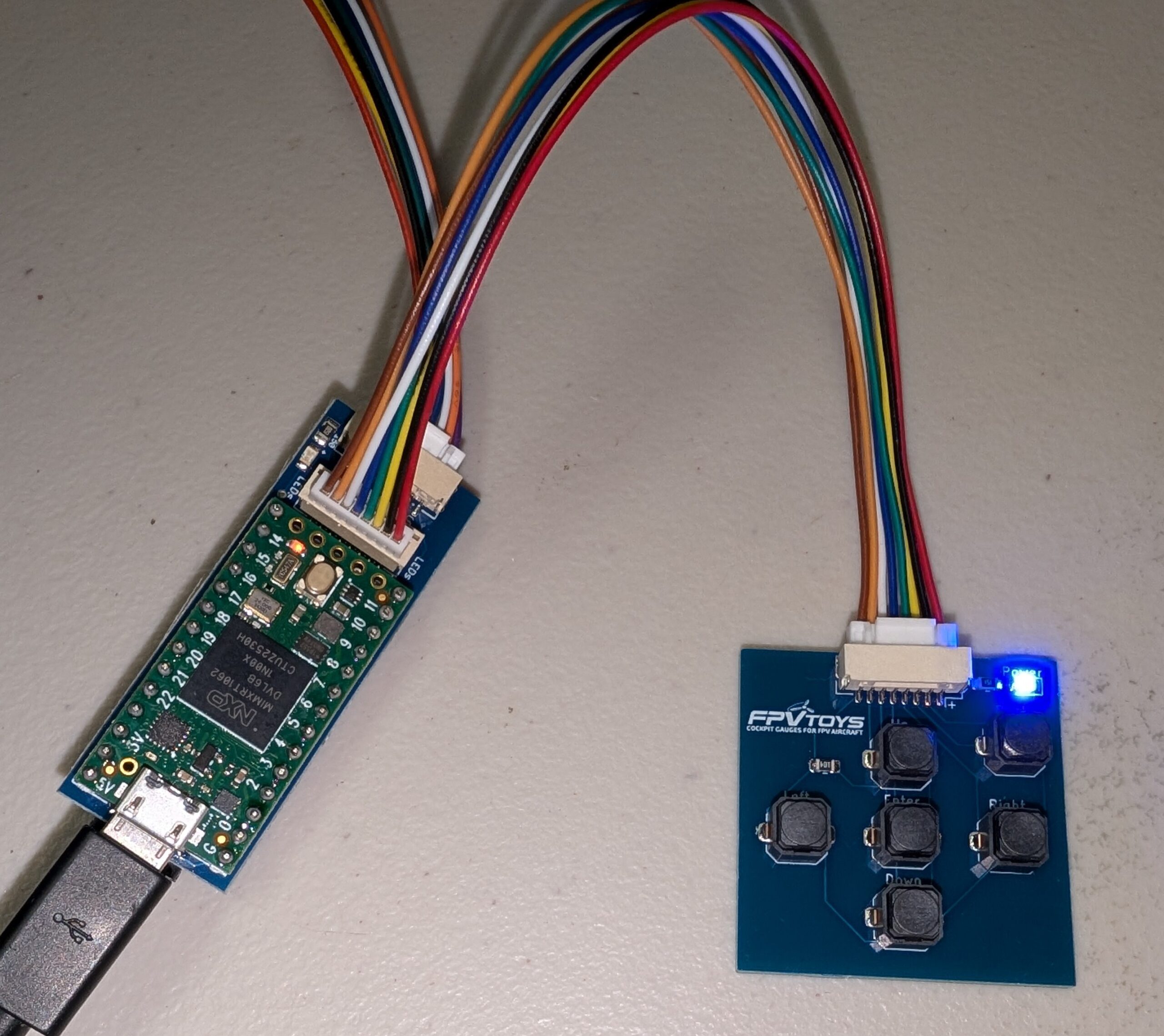
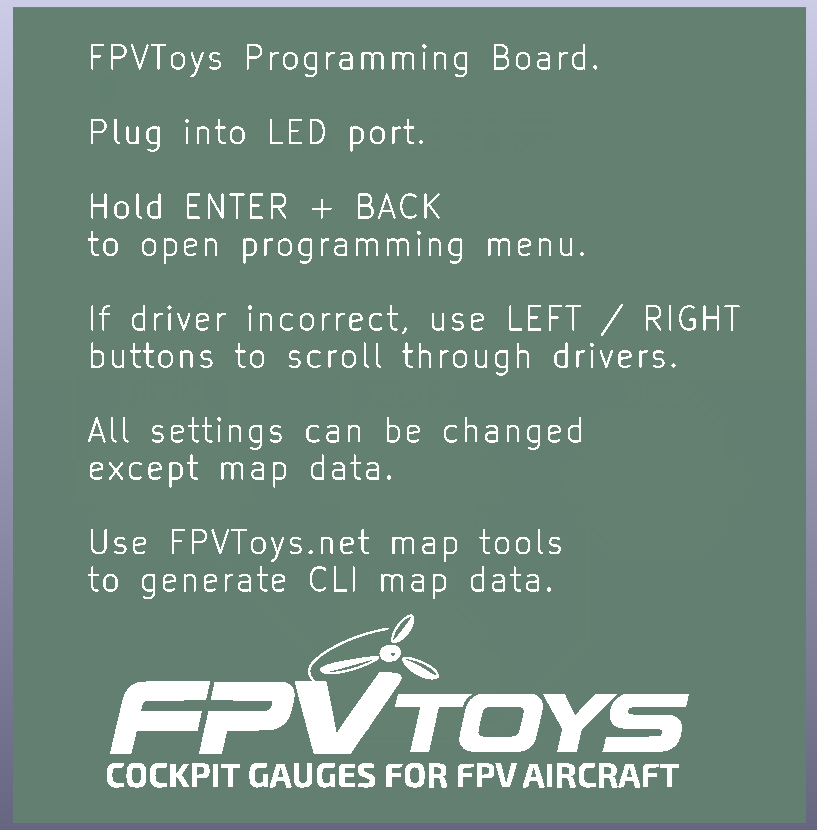
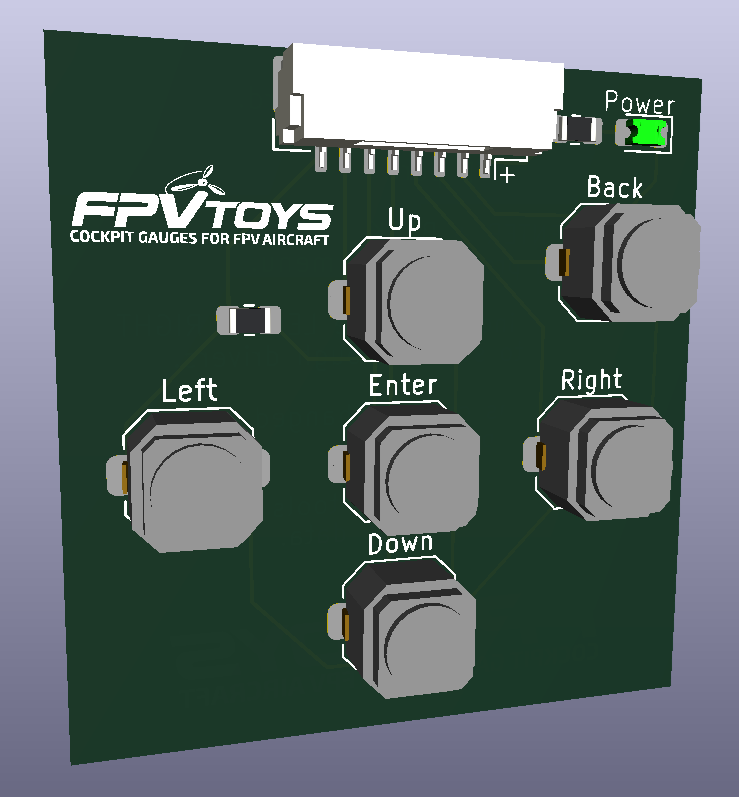
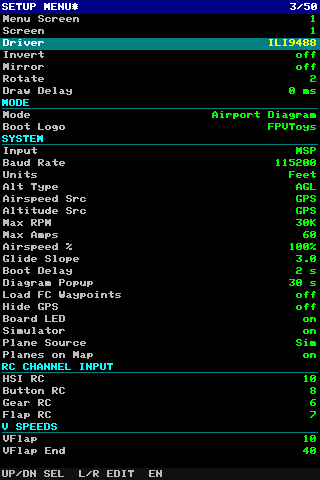
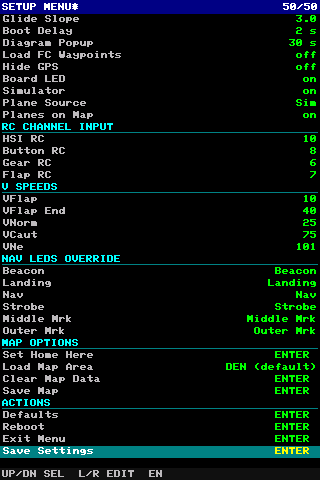
Add direct, on-screen control to your FPVToys gauge controller without connecting a computer. The keypad lets you open the built-in setup menu, move through options, change values, and save settings right from the cockpit display.
Use it to configure screens, drivers, display modes, split-screen panes, instrument layouts, map zoom, input source, UART speed, units, nav light behavior, simulator options, and more. It is especially useful for final setup after installation, field adjustments, or changing display behavior without opening a serial terminal.
Features
- Opens the built-in setup menu on the display
- Six-button navigation: up, down, left, right, enter, and back
- Configure screen driver, rotation, invert, mirror, and draw delay
- Select display modes and split-screen left/right or top/bottom panes
- Adjust instrument layouts, scaling, offsets, and MFD items
- Change input source, baud rate, units, V-speeds, and RC channel settings
- Control map options such as home position, map area, clear map, and save map
- Override nav light functions from the menu
- Save settings or reboot from the keypad menu
What’s Included:
- 1x Programming Board / Keypad
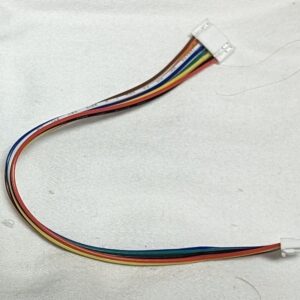
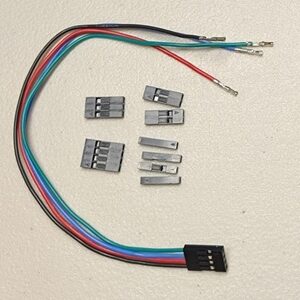
- 1x GH Connection Cable (same as screen cable)
Reviews
There are no reviews yet.