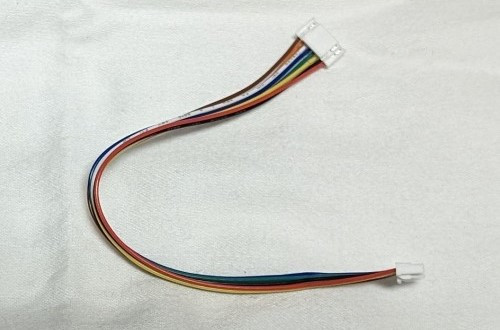
Cables
Gauge Controller To Flight Controller Cable
When purchasing a gauge controller, you will need to select a cable to plug into the flight controller.
Cables are silicone coated and color coded: black, red, blue, and green.
The gauge controller has 4 .1 inch pins and uses a 4 pin DuPont connector.
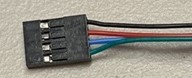
For Flight Controllers That Have .1 Inch Headers
For Matek and similar controllers, you will want one of the following cables.
Select either 10, 20, or 30 cm length. Cables come with a variety of connectors so the flight controller end can be customized to plug into pins regardless of their position on the flight controller.
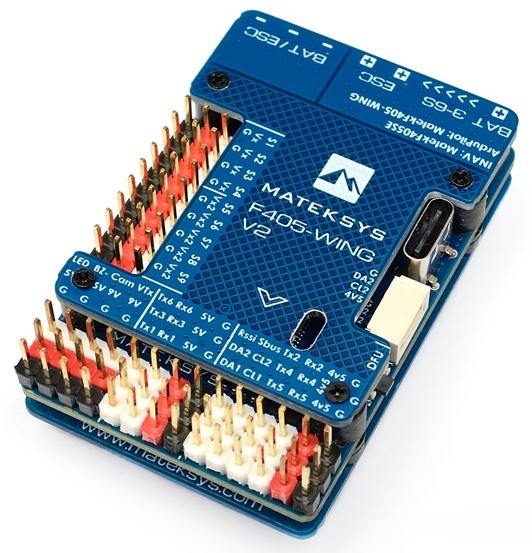
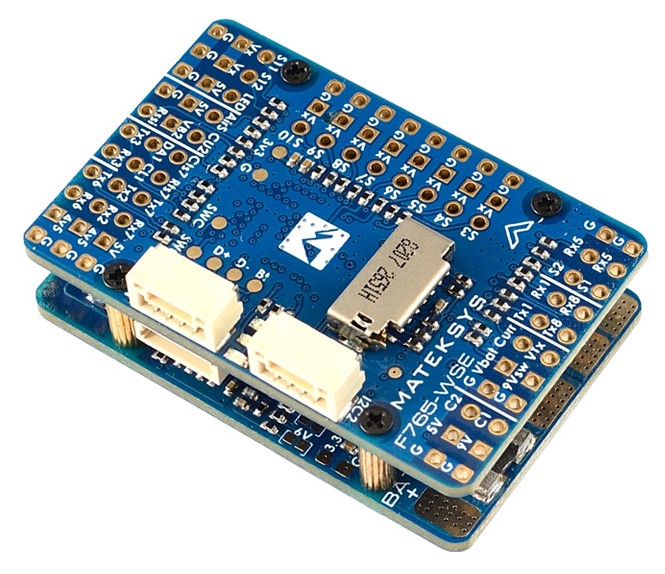
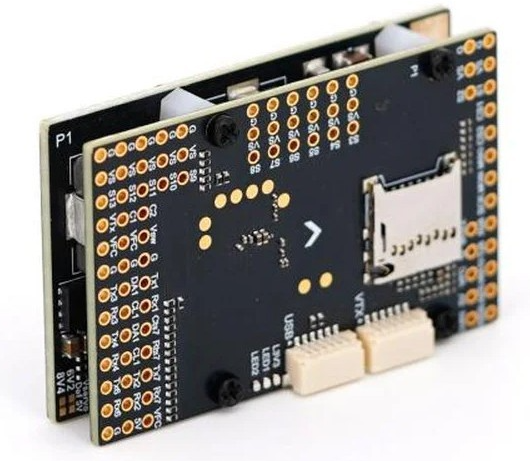
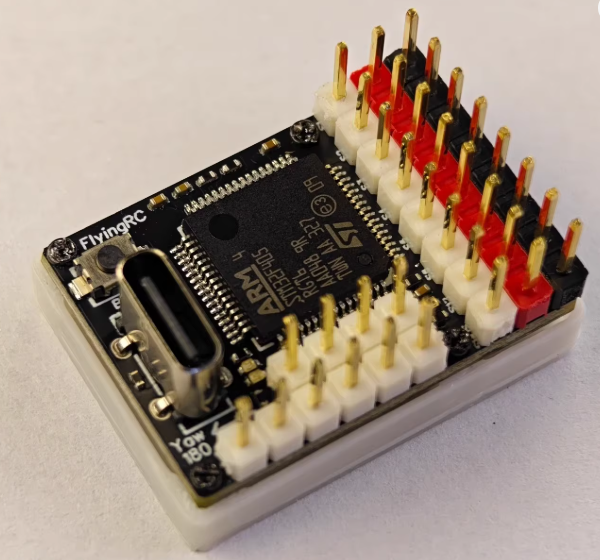
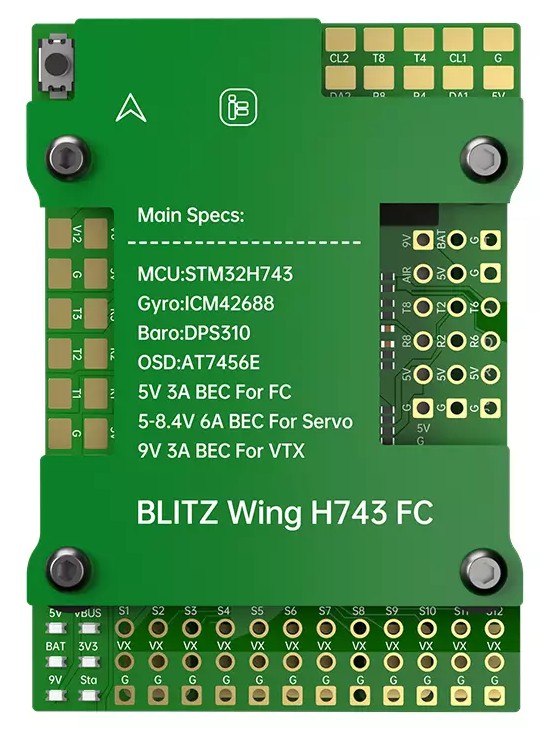
10 cm .1 inch connector
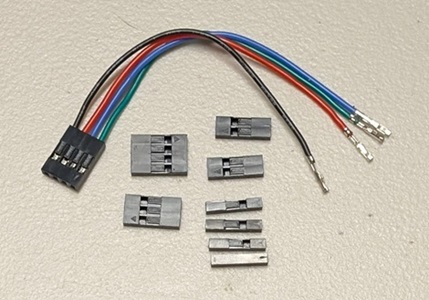
20 cm .1 inch connector
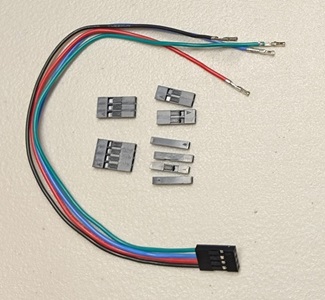
30 cm .1 inch connector
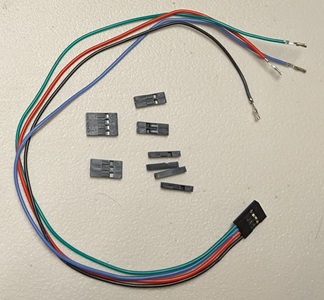
For Flight Controllers With 6 Pin GH Connectors
For SpeedyBee F405 Wing and Pixhawk controllers.
Select either 20, 30, or 40 cm length.
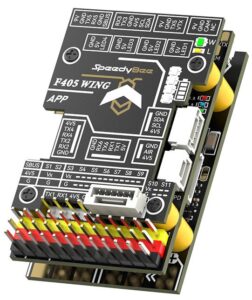
20 cm GH plug
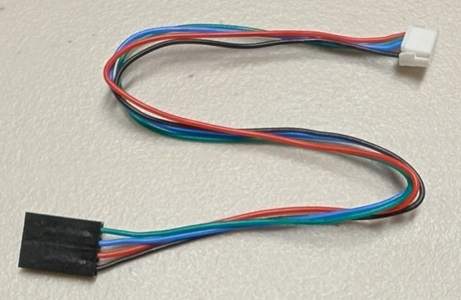
30 cm GH plug
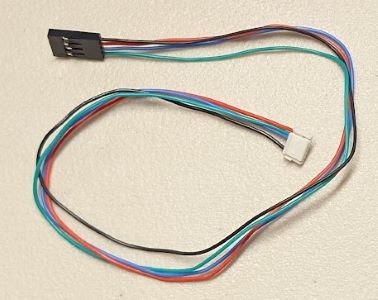
40 cm GH plug
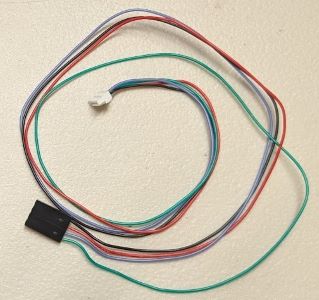
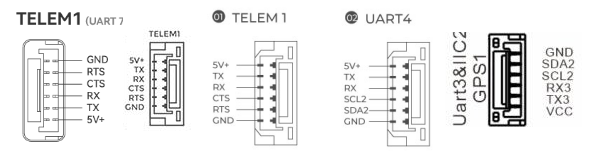
Below is the pinout for the GH connector. As long as your flight controller has a plug shown below, this is the cable you want.
For Controllers With 4 Pin GH Connectors
For Nexus flight controllers.
The wiring order on the Nexus flight controllers is different than other 4 pin GH connectors. Make sure the wiring is in the correct order.
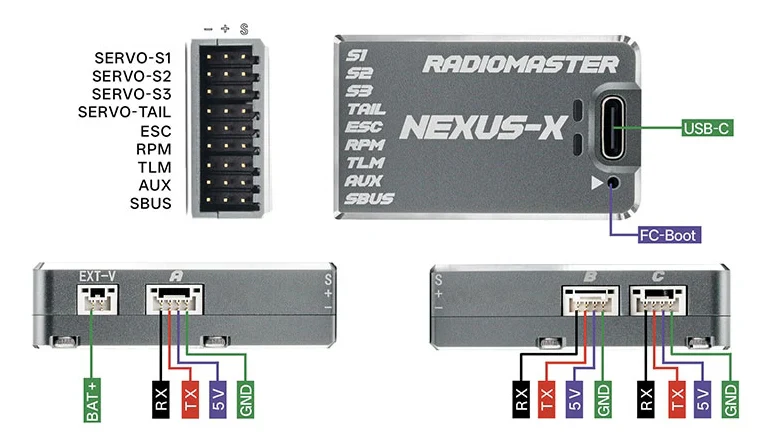
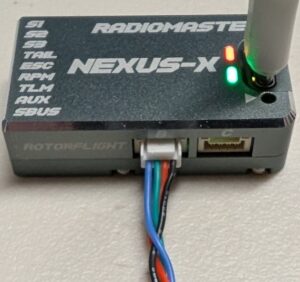
For Roban X2 flight controller.
Select either 20, 30, or 40 cm length.
20 cm 4 pin GH plug
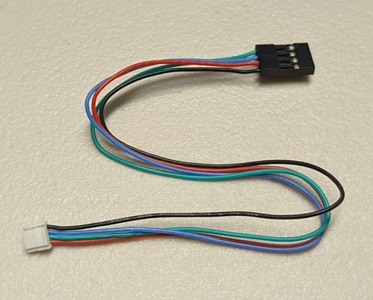
30 cm 4 pin GH plug
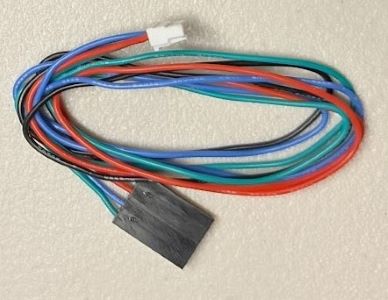
40 cm 4 pin GH plug
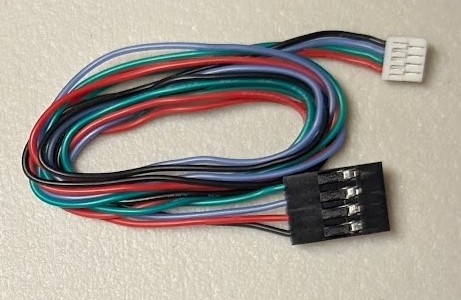
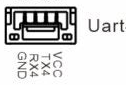
Be sure the wiring is correct and plugged into the controller the correct way, or the microcontroller could burn up.
All screens come with a 15 cm 8 pin GH cable to plug into the controller.