
Adding Airports
To enter an airport, you will need the GPS coordinates in decimal degrees format.
Add a Model Airport
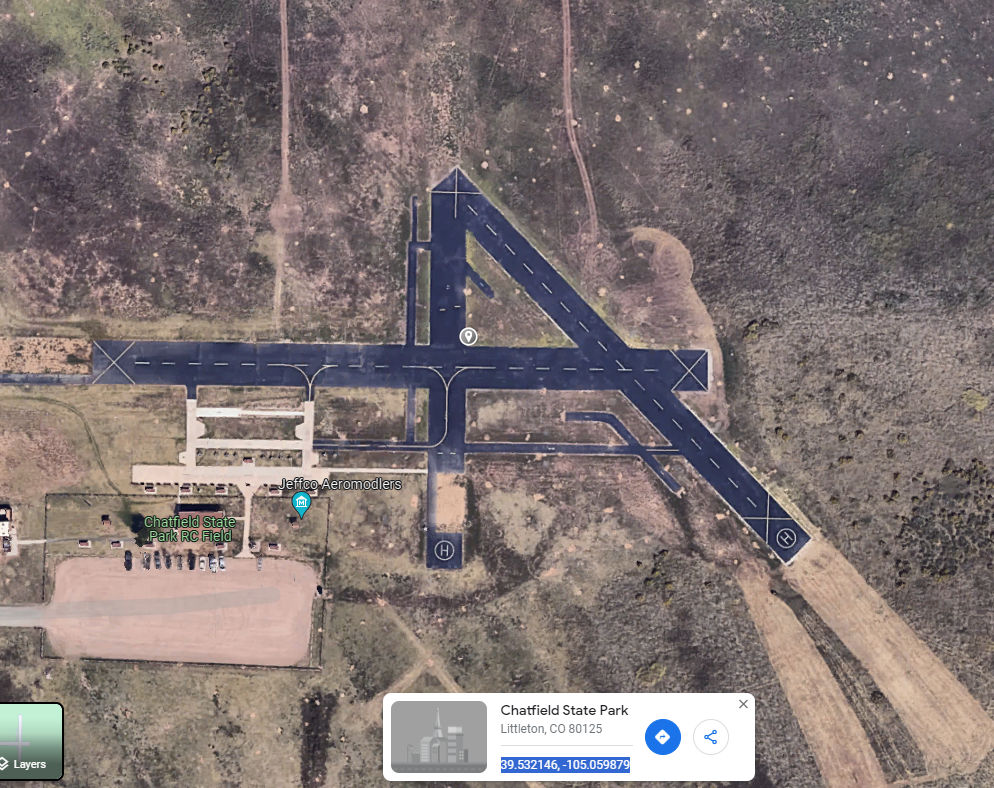
To get coordinates, go to Google Maps and click on the map where you want the airport. The coordinates will show at the bottom in the proper format to copy.
Here is an example of a model airport. The coordinates are:
39.532146, -105.059879
To enter this airport into the CLI, use the following command. In the CLI, you can separate parameters with spaces or commas.
airport CHAT 39.532146, -105.059879 M
Add a Real Airport
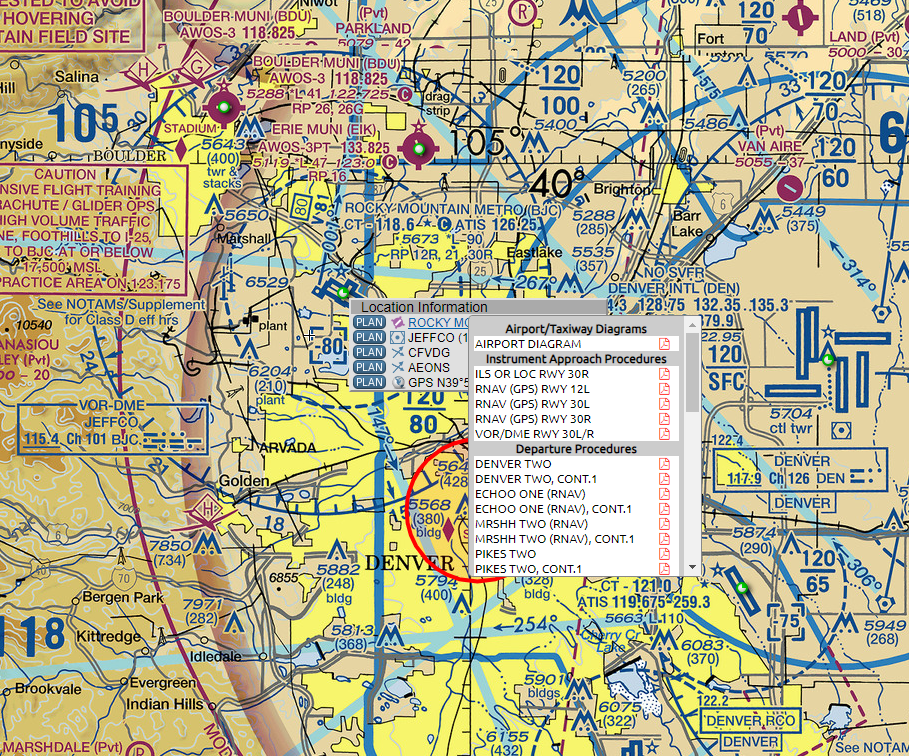
To add a real airport and get the airspace rings, go to SkyVector and find the airport you are looking for.
Right-click on the airport and select the airport name from the top option.
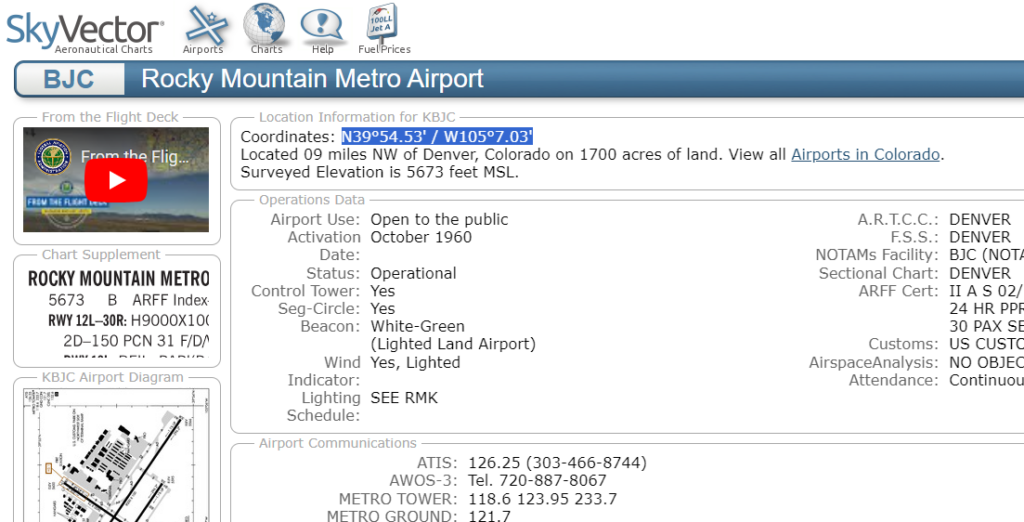
Select and copy the coordinates at the top.
Open Google Maps, paste the coordinates into the search box, and remove the slash.
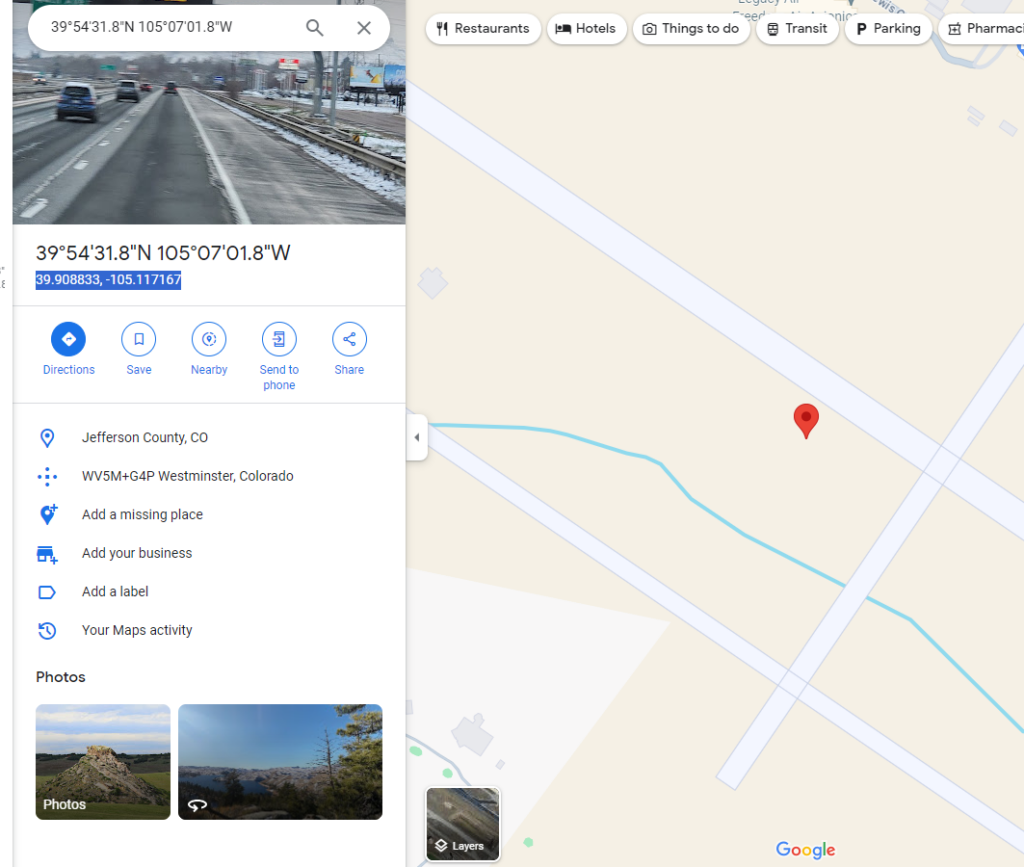
To enter this airport into the CLI, use:
airport KBJC 39.908833, -105.117167 D