
Adding Airports
To enter an airport, you will need the GPS coordinates in Decimal Degrees format (Degree and decimal fraction)
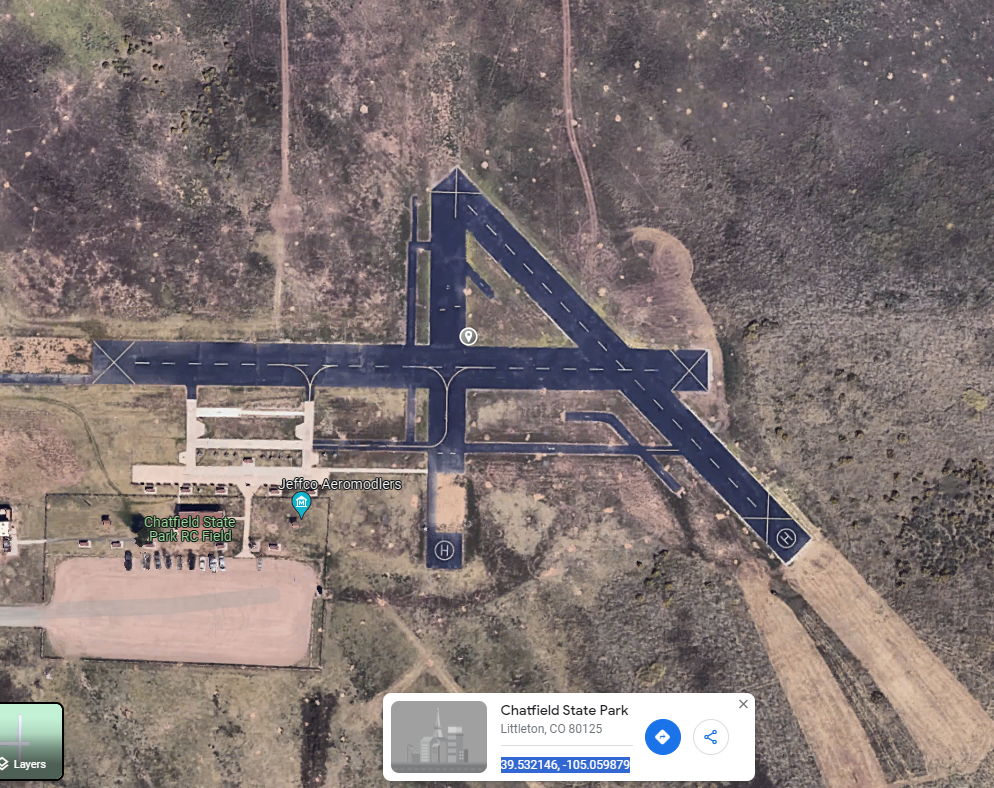
To get coordinates, go to google maps and click on the map where you want the airport.
The coordinates will be show at the bottom in the proper format to copy
Here is example of a model airport, the coordinates are 39.532146, -105.059879
To enter this airport into the cli, enter the following (in the cli, you can separate parameters with spaces or commas)
airport CHAT 39.532146, -105.059879 M
To add real airport (to get the airspace rings)
Go to skyvector.com and find the airport you are looking for.
Right click on the airport and select the airport name (top selection)
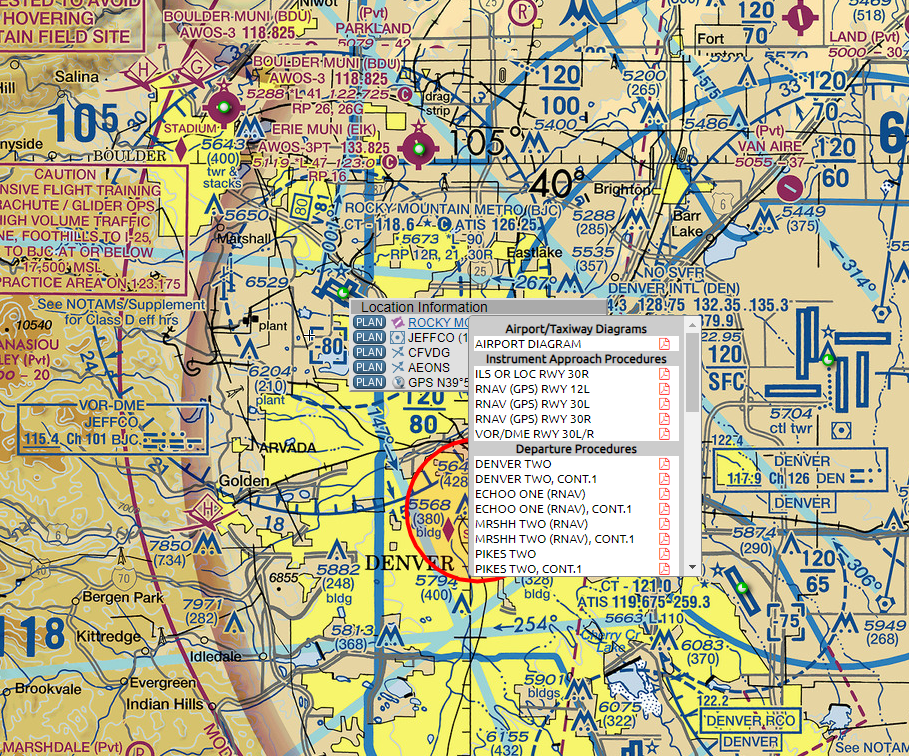
Select and copy the coordinates at the top

Open google maps and paste the coordinates in the search and remove the '/'
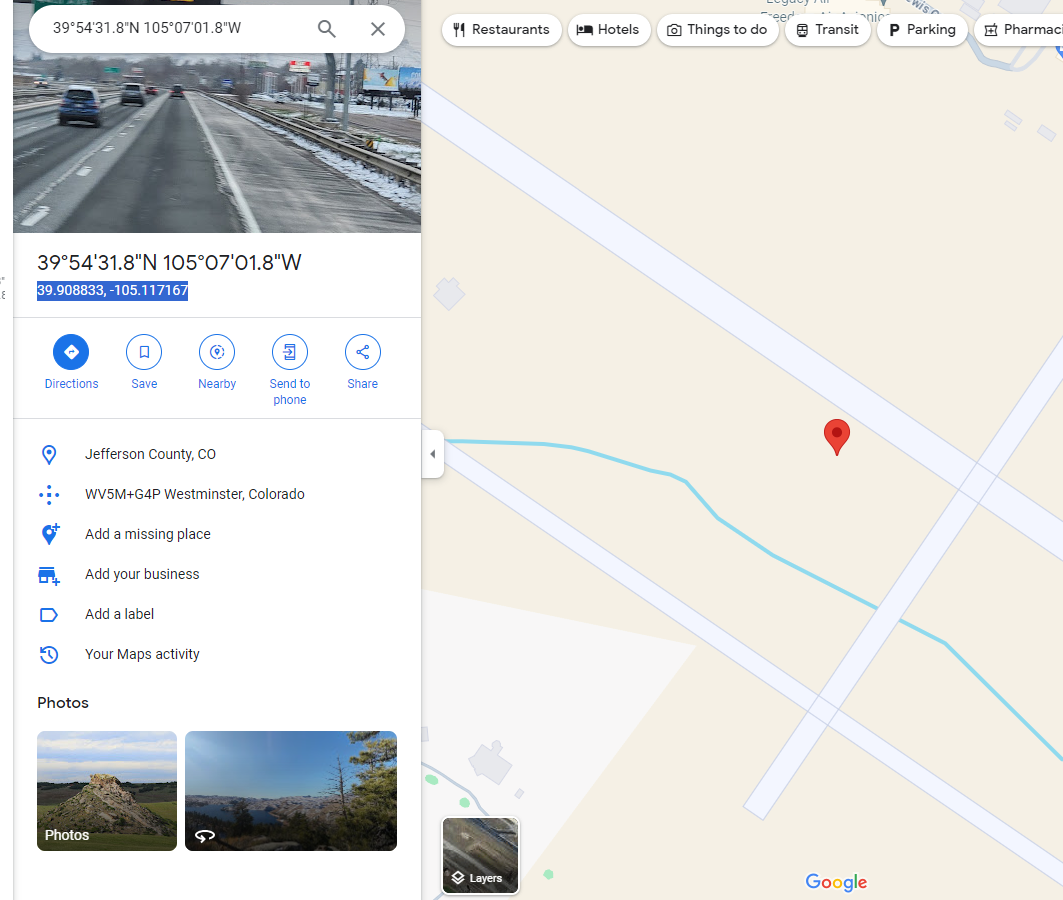
To enter this airport into the cli, enter
airport KBJC 39.908833, -105.117167 D